Post once
Plan a game night once in Tableport. It gets posted to your Discord, Telegram, website and calendar — and when the time or place changes, so do the posts.
How it works
Connect once
Pick your Discord channel, add the bot to your Telegram group, put one line on your website, subscribe your calendar.
Plan as usual
Create the game night, tournament or weekly series here, the way you already do.
It posts itself
A new night, a changed time, a cancellation, a reminder, the results — each goes out to the places you chose, as the same card people see when a link is shared.
Set it up
Open Post once in your community's settings
Open your community, choose Settings and pick Post once. The first time, it walks you through three steps on one page.
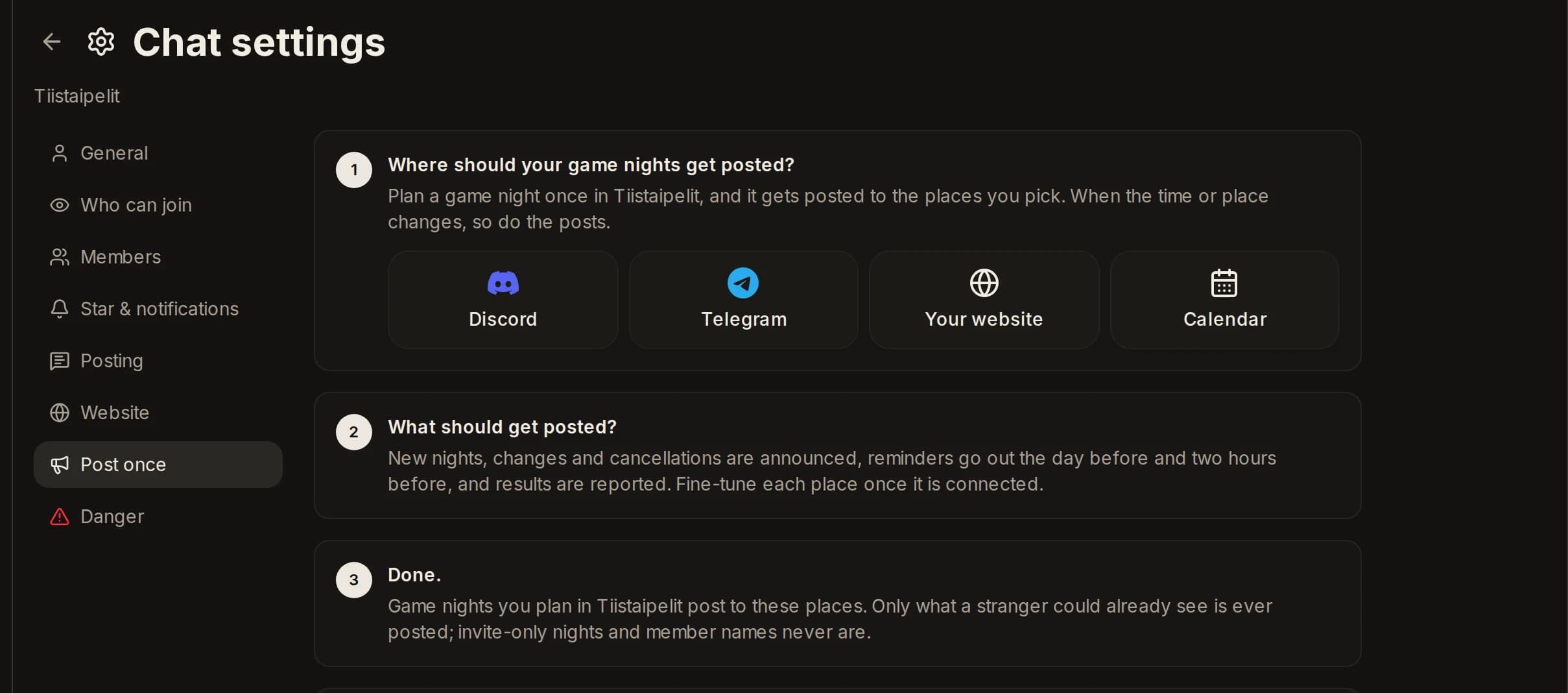
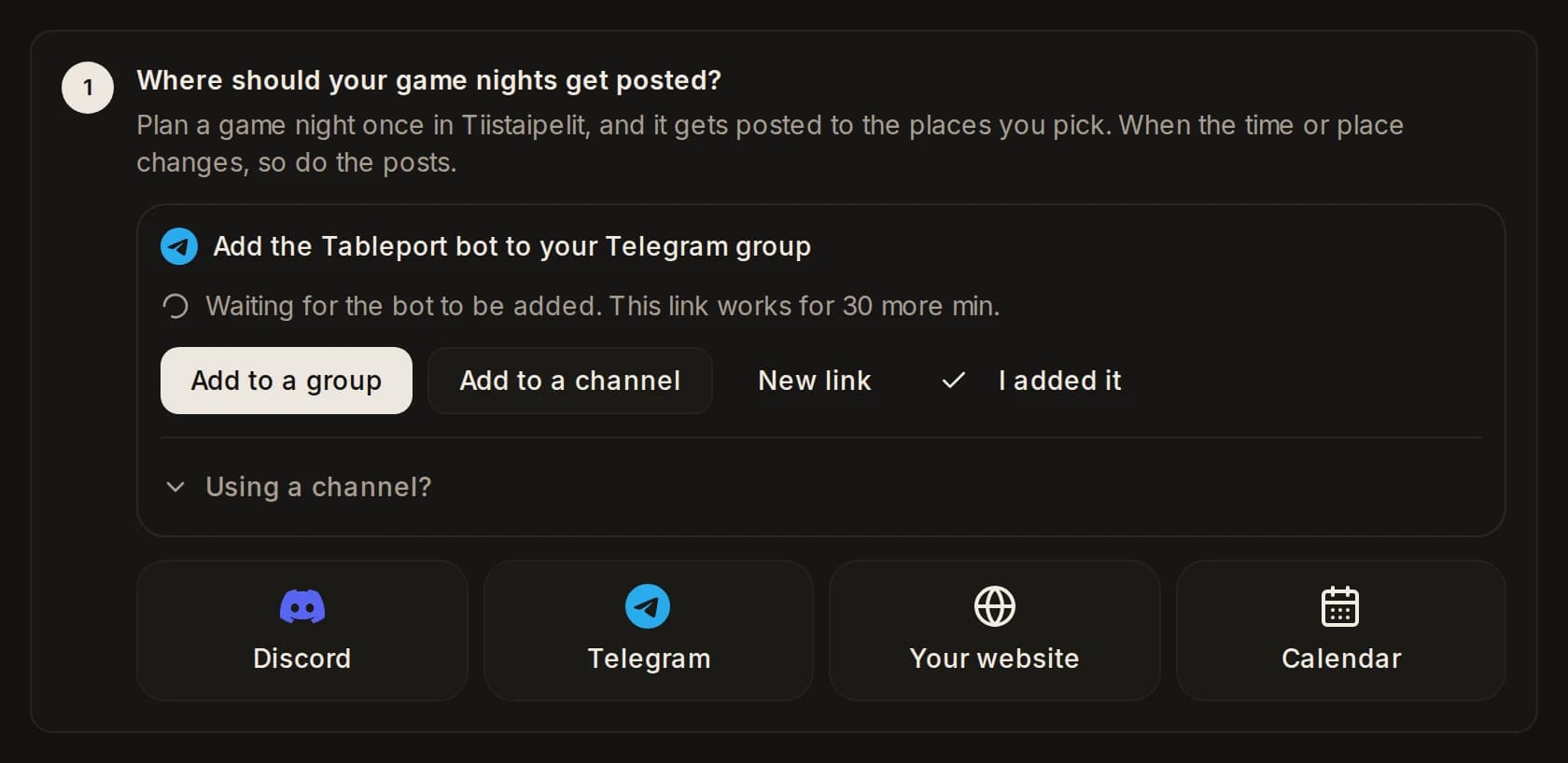
Connect a place
Discord: press Discord, sign in and pick the channel. Telegram: press Telegram, add the Tableport bot to your group and come back — the page notices on its own. Your website and calendar are one more step, below.
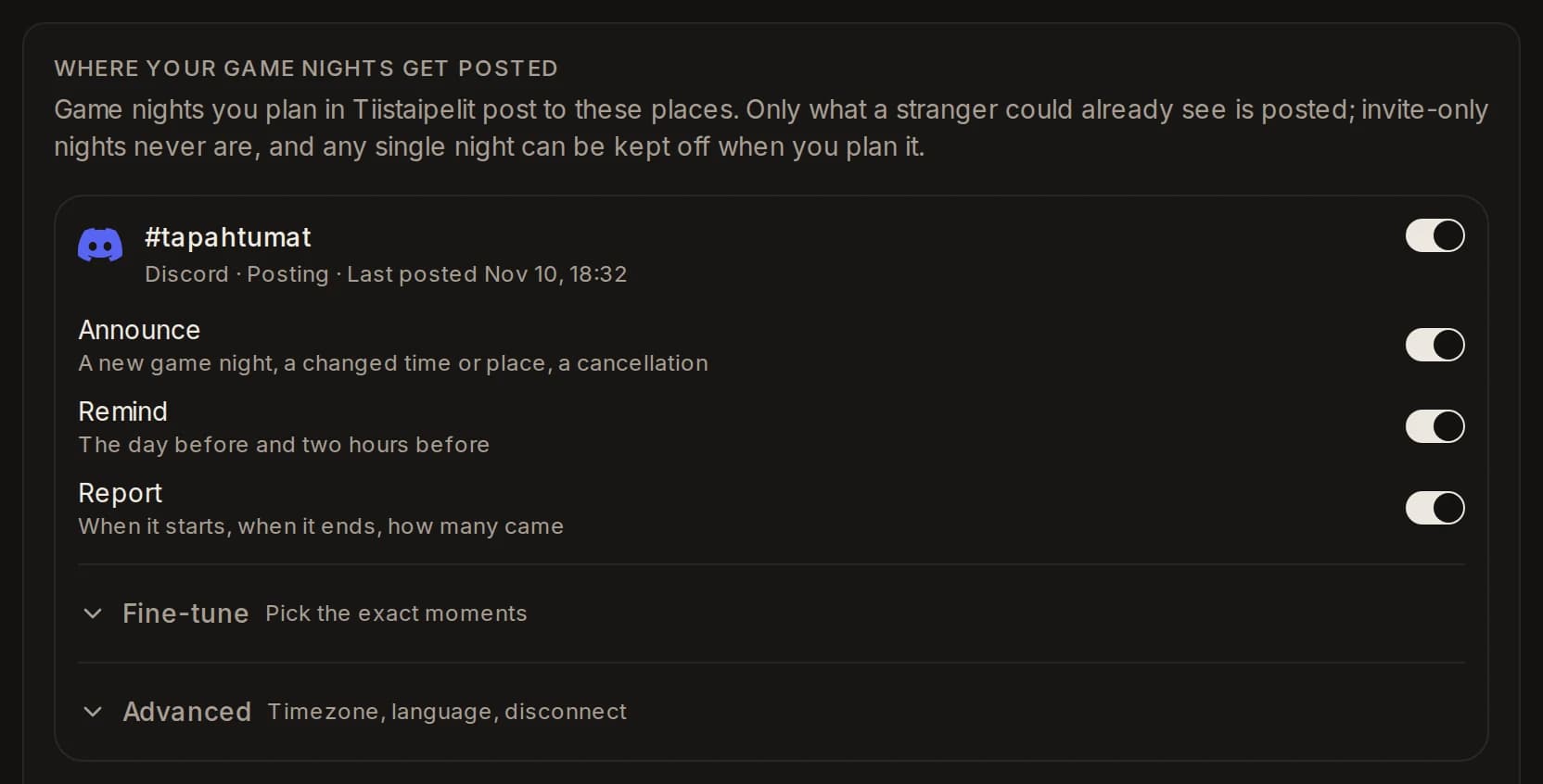
Choose what gets posted
Each place has three switches, all on to begin with: Announce (a new night, a changed time or place, a cancellation), Remind (the day before and two hours before) and Report (started, results, how many came). Fine-tune opens the single moments.
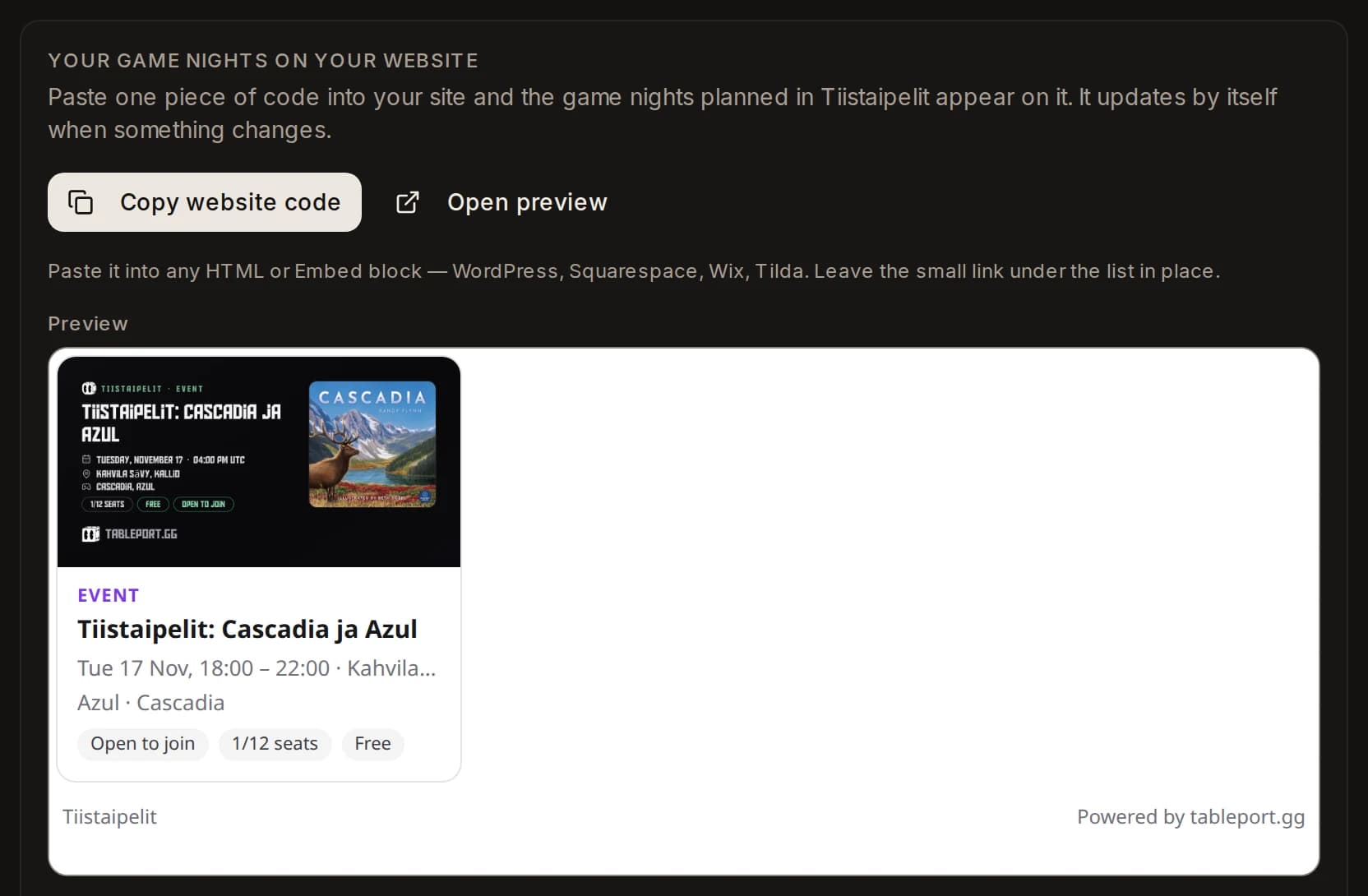
Put it on your website and in your calendar
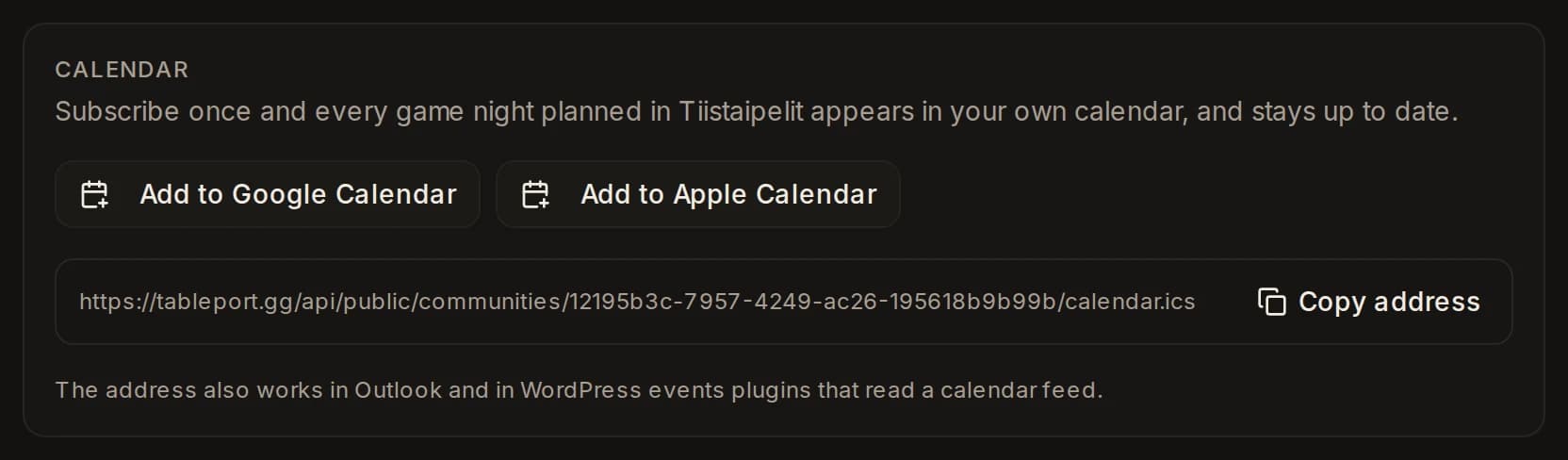
On the Website tab, Copy website code gives you one line to paste into any HTML or embed block — WordPress, Squarespace, Wix, Tilda. The calendar address below it works in Google Calendar, Apple Calendar, Outlook and any feed reader. Both update themselves.
Plan a game night as usual
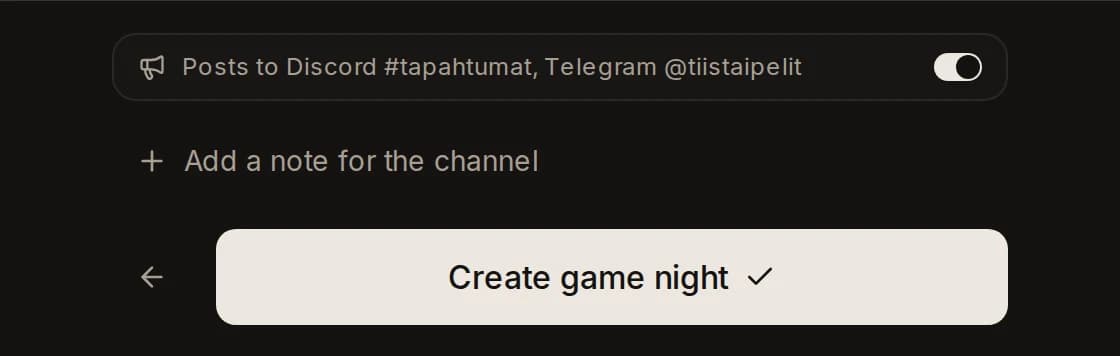
Above the Create button you see where this night will post. Flip the switch to keep one night off your channels. Invite-only nights never post, switch or not.
See what went out
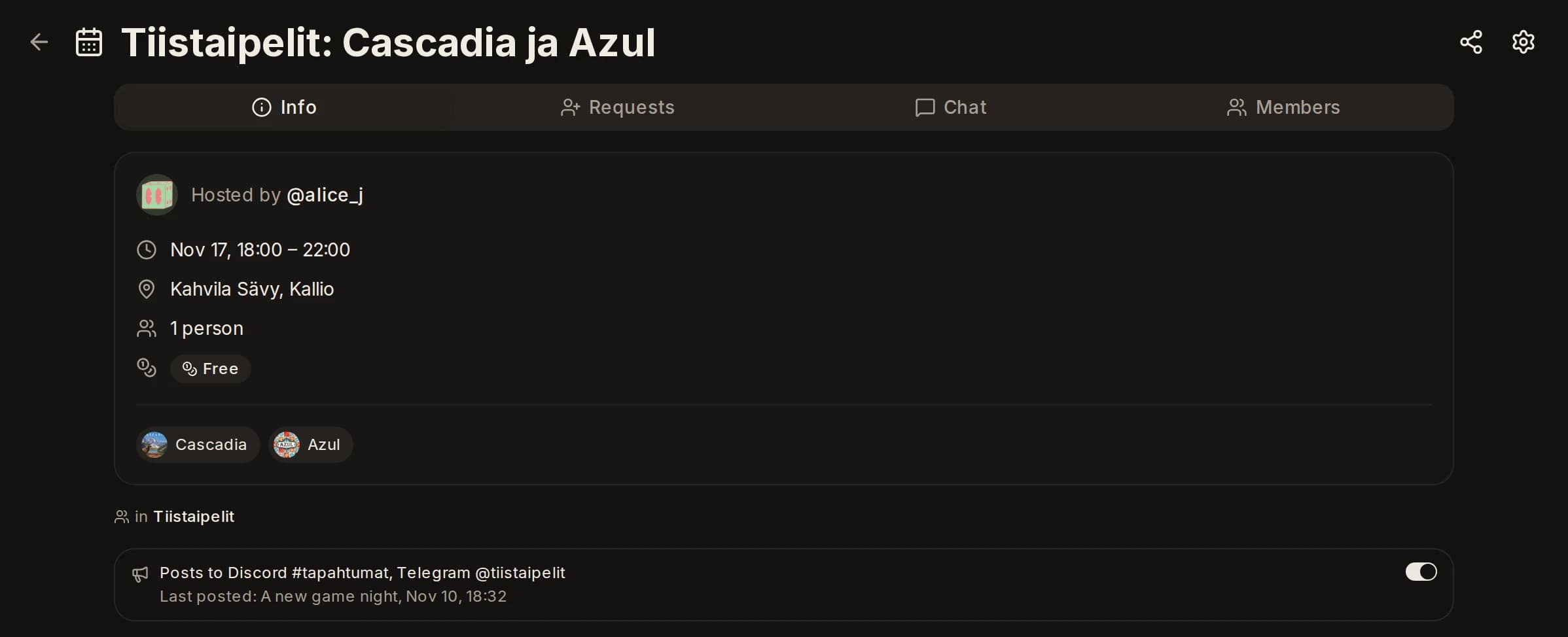
The night's own page tells you where it was posted and when. Move it to another time or place and the change goes out the same way.
What gets posted
A new game night, a changed time or place, a cancellation, the reminders, the start, the results and how many came — and when a weekly night begins, that too. Every post is the same card people see when a link is shared: the name, the time, the place, the games and how many seats are left.
What never gets posted
Nothing a stranger could not already see. Invite-only nights are never posted, member names are never posted, and a private community posts nothing at all. One switch keeps any single night off your channels.
Instagram, Facebook and WhatsApp
We can't post there for you. Instead, the night's Share menu gives you a ready-made image and caption, one tap away. The link in the caption always shows the current plan.